
close
Thank you! Your submission has been received!
Oops! Something went wrong while submitting the form.
We’ve all been there—working on an important project or enjoying a leisurely browse, only to be interrupted by an error message that seems to pop up out of nowhere. While some computer errors and PC problem are nothing more than a minor inconvenience that you can easily fix yourself, others can be more serious and require the expertise of IT professionals. Understanding the differences between these errors can help you save time and frustration, as well as ensure that your computer is functioning properly.
In this blog, we will explore some of the most common PC problems or computer errors that pop up on your computer screen and explain how to handle them. We’ll also look at those errors that are beyond the reach of simple fixes and require professional IT support to resolve.
Computers are essential tools for both work and play, but sometimes, things don’t go as smoothly as we’d like. Whether you're working on a project, browsing the web, or watching a video, encountering an error can be frustrating. Fortunately, many common computer errors are simple to fix, while others may require professional assistance. In this blog, we’ll explore the most common PC problem or computer errors and provide practical solutions for fixing them.
Error Message : "Your PC ran into a problem and needs to restart."
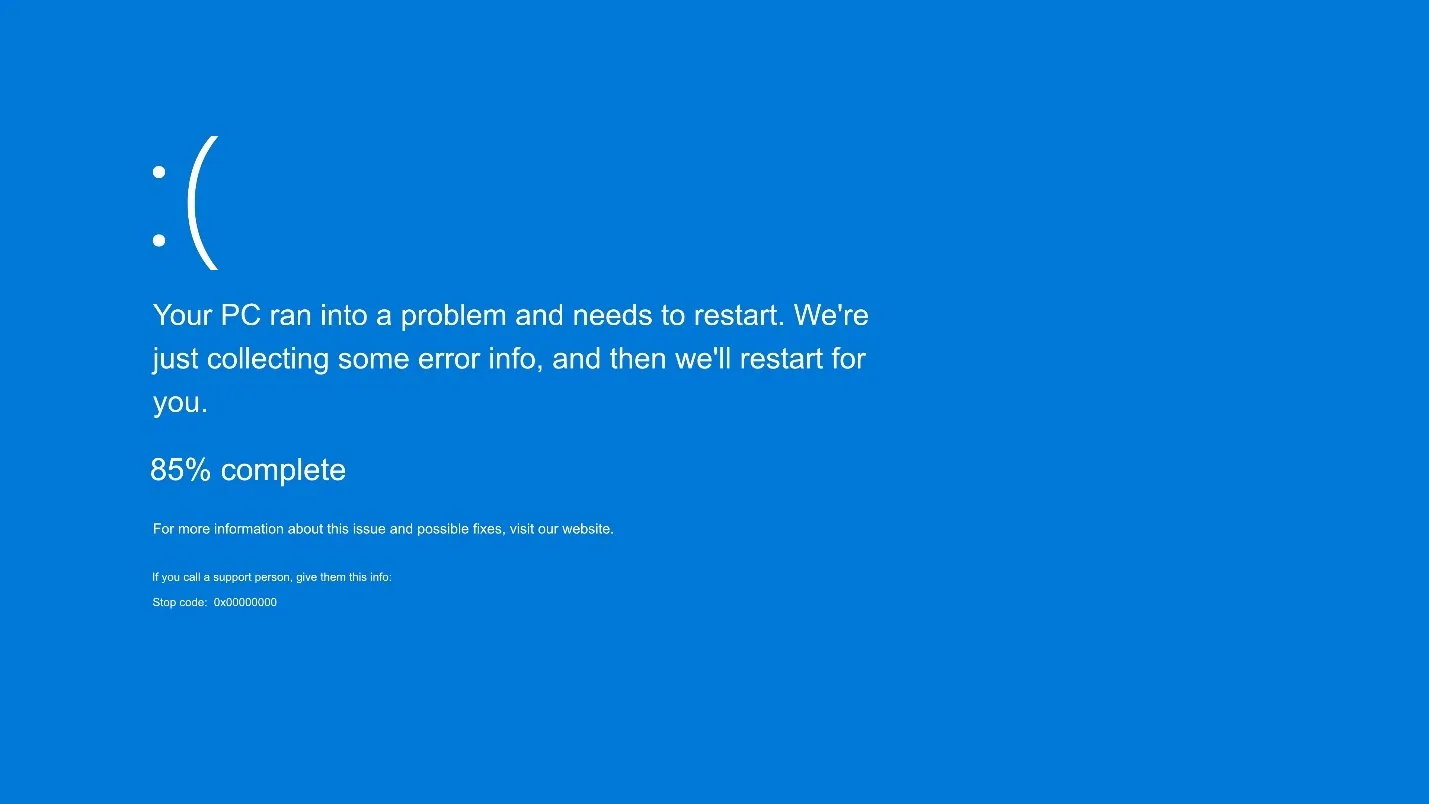
Cause : The Blue Screen of Death (BSOD) typically occurs when the operating system encounters a critical error. This can be caused by faulty hardware, corrupt drivers, or system instability.
Solution
Error Message : "Your system is running slow."
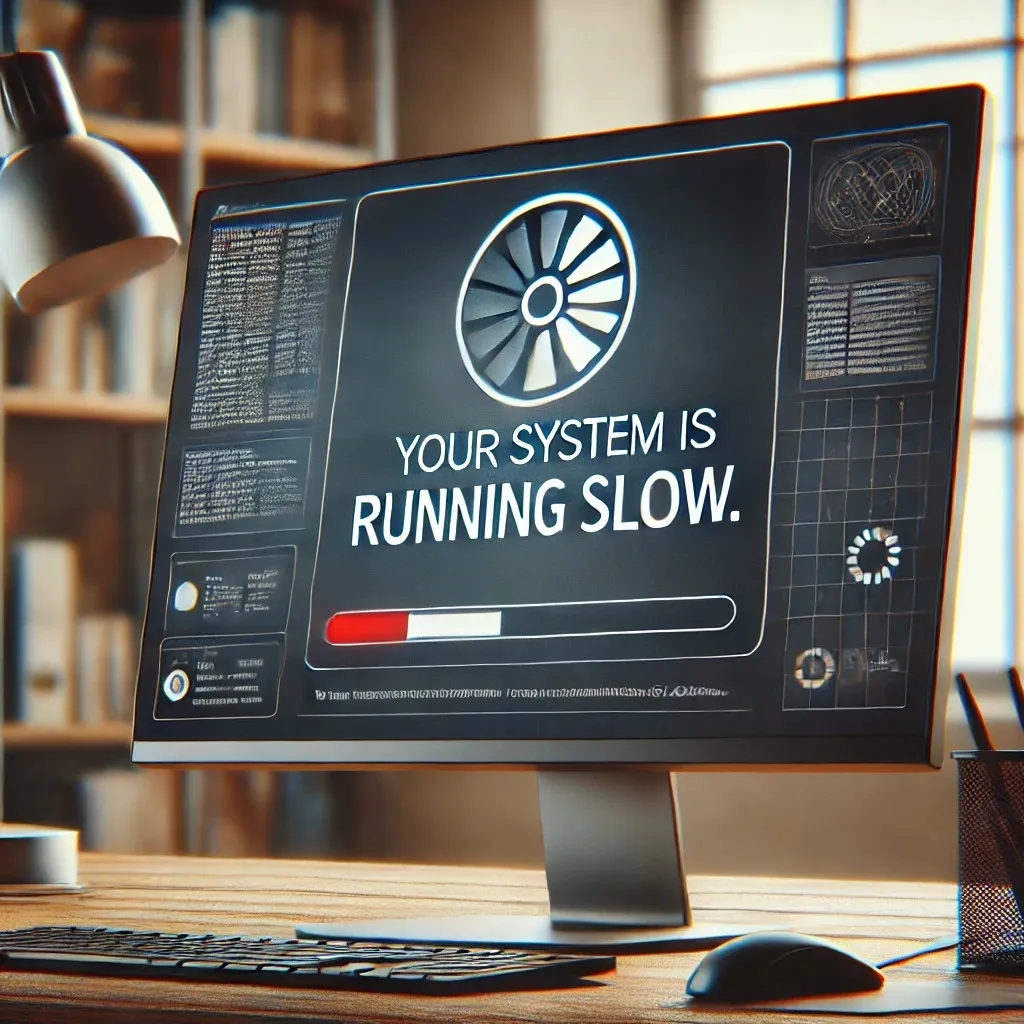
Cause : A slow computer can result from various factors, such as too many startup programs, insufficient RAM, or hard drive issues.
Solution :
Error Message : "No internet access" or "Network Unavailable."
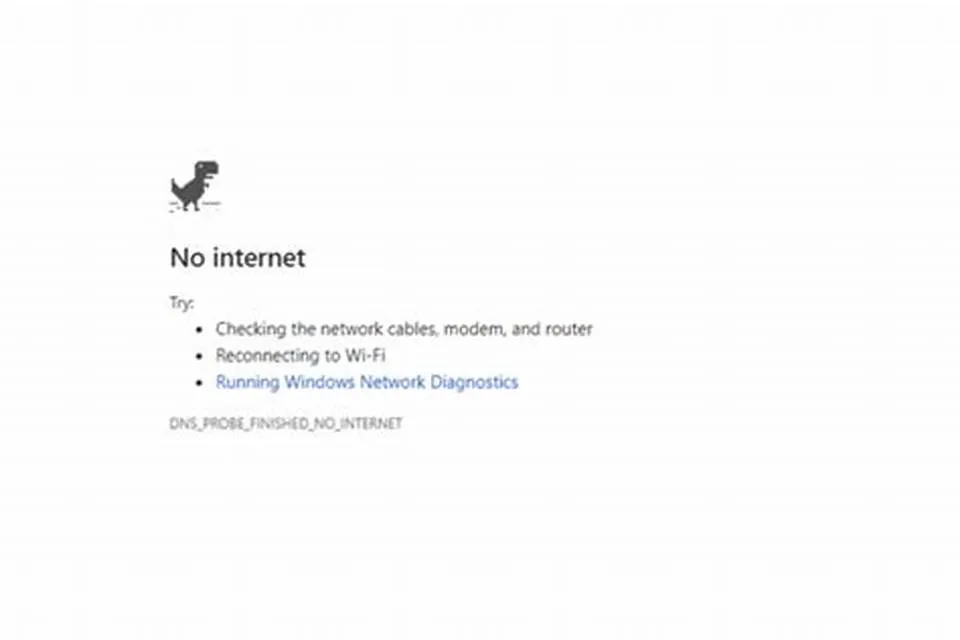
Cause : This error can happen due to issues with your internet connection, router, or network settings.
Solution :
Error Message : "Printer is offline."
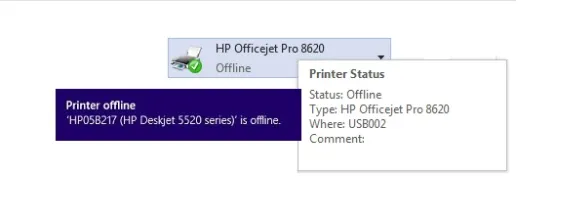
Cause : This typically occurs when the printer loses connection to your computer or network.
Solution :
Error Message : “[Program Name] is not responding.”
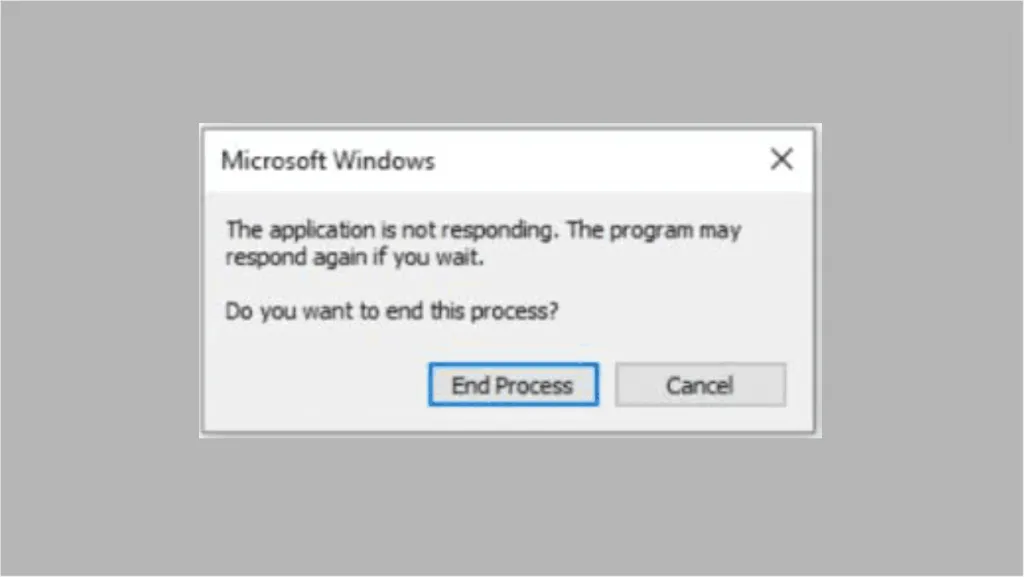
Cause : This error occurs when an application becomes unresponsive, often due to a lack of system resources or a software bug.
Solution :
Error Message : "Your disk is full."
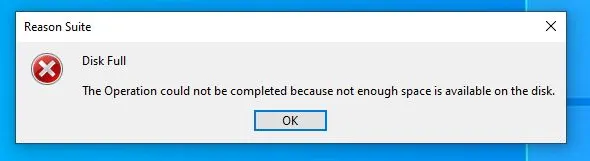
Cause : This error occurs when an application becomes unresponsive, often due to a lack of system resources or a software bug.
Solution :
Error Message : "The file you are trying to access is not found."
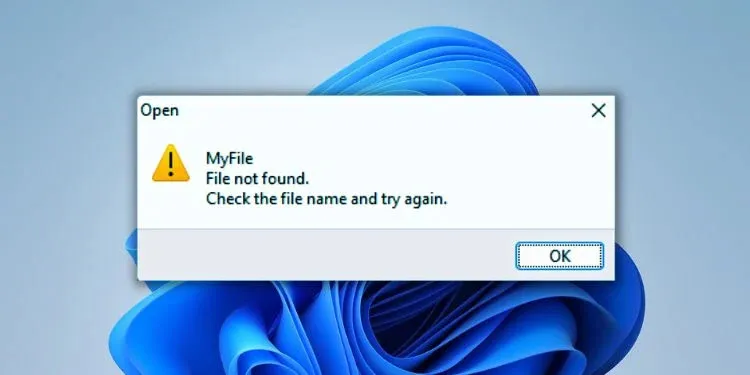
Cause : This error occurs when you try to open a file that no longer exists or has been moved or deleted.
Solution :
Error Message : "Windows Update is stuck at 0%."
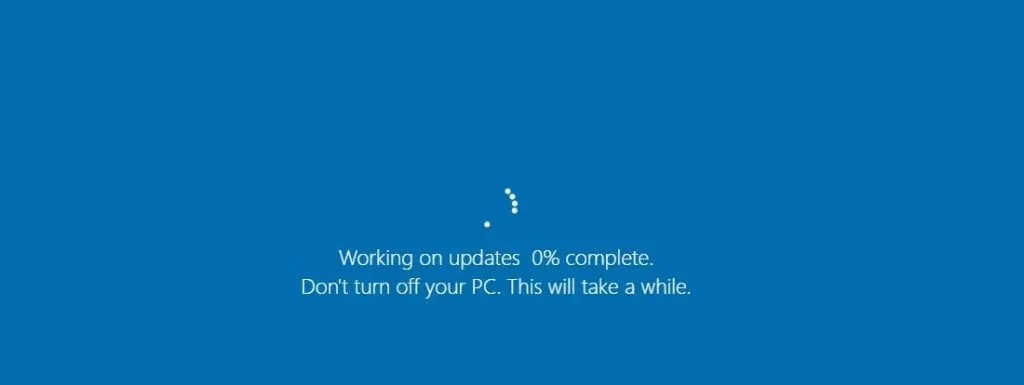
Cause : Windows updates can sometimes get stuck due to corrupted files or issues with the update process.
Solution :
Error Message : "The file is corrupted and cannot be opened."
Cause : Files can become corrupted due to sudden shutdowns, system crashes, or issues with storage devices.
Solution :
Error Message : "[Application Name] has stopped working."
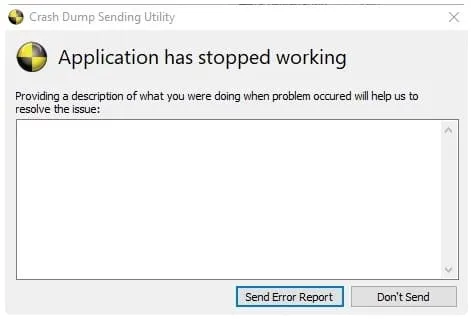
Cause : This issue often occurs due to corrupt installation files or conflicts with other software.
Solution :
Error Message : "Windows cannot find [filename]."
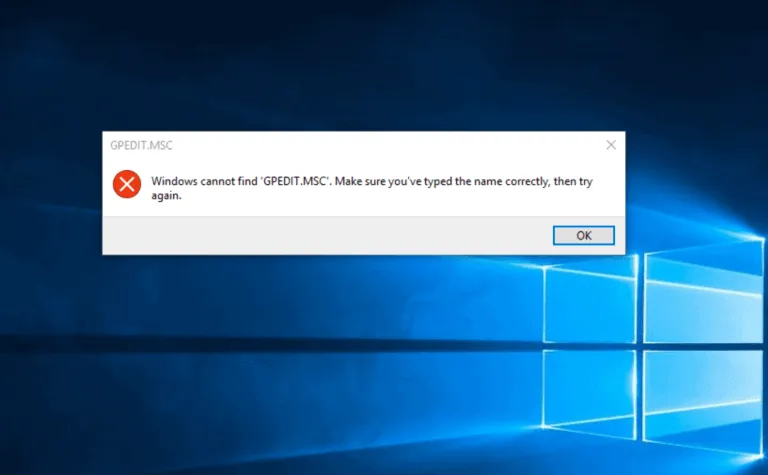
Cause : This error usually occurs when you attempt to run a file or program that is no longer available on your system or is incorrectly referenced.
Solution :
Error Message : "You do not have permission to access this folder."
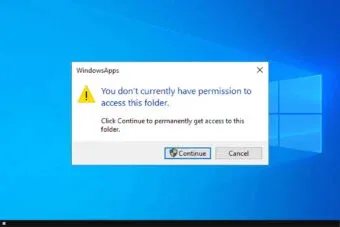
Cause : This error occurs when you try to access a file or folder for which you don’t have the required permissions.
Solution :
While most of the PC problems or errors mentioned above can be fixed with simple solutions, there are times when you may need to reach out to IT support. PC problem related to hardware failure, malware infections, or critical system problems may require expert knowledge and tools to resolve. Some errors may also cause data loss or prevent your computer from booting up, making it essential to contact IT professionals for assistance.
Encountering errors on your computer can be a frustrating experience, but the good news is that many of these problems can be easily fixed with a few simple steps. From fixing slow performance to dealing with printer issues, most common computer errors are straightforward to resolve with some basic knowledge. However, when errors become more complex or involve hardware failure, it's always a good idea to contact IT support for professional assistance. By knowing which errors you can tackle on your own and which require expert help, you can keep your computer running smoothly and avoid unnecessary stress.
While many computer errors are relatively simple to fix on your own, there are several critical issues that may require the expertise of an IT professional. These types of errors can be more complex, often involving deep system problems, hardware failures, or security vulnerabilities. In this section, we'll explore some of the most common errors that typically require IT support to resolve.
Error Message : No specific error message – you might hear unusual noises or notice that your system is unresponsive.
Cause : Hardware failures can occur in various components of your computer, including the motherboard, RAM, hard drive, graphics card, or power supply. These issues can manifest in several ways, including system crashes, poor performance, or failure to boot up.
When IT Support is Needed :
Solution :
Error Message : "Your computer is infected with a virus," or unusual behaviour like slow performance, pop-up ads, or unauthorised system access.
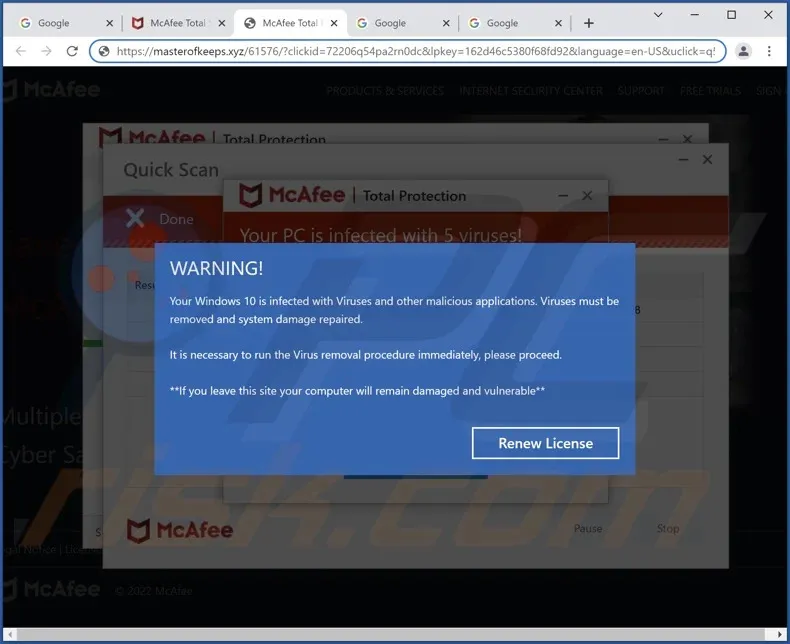
Cause : Malware, including viruses, trojans, ransomware, and spyware, can infect your computer and cause significant damage. These malicious programs can compromise your data, damage your files, and even render your system unusable.
When IT Support is Needed
Solution
Error Message : "Operating system not found," or "Windows/System32 is missing or corrupt."
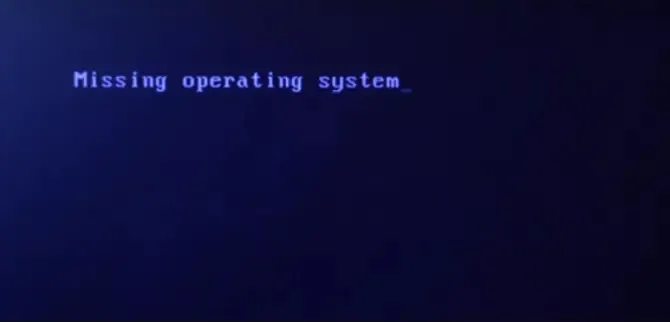
Cause : Corruption of system files in your operating system can cause your computer to stop functioning properly, preventing the OS from booting up or causing frequent crashes and freezes.
When IT Support is Needed
Solution :
Error Message : "The drive is not accessible," "Data corruption," or "Disk failure."
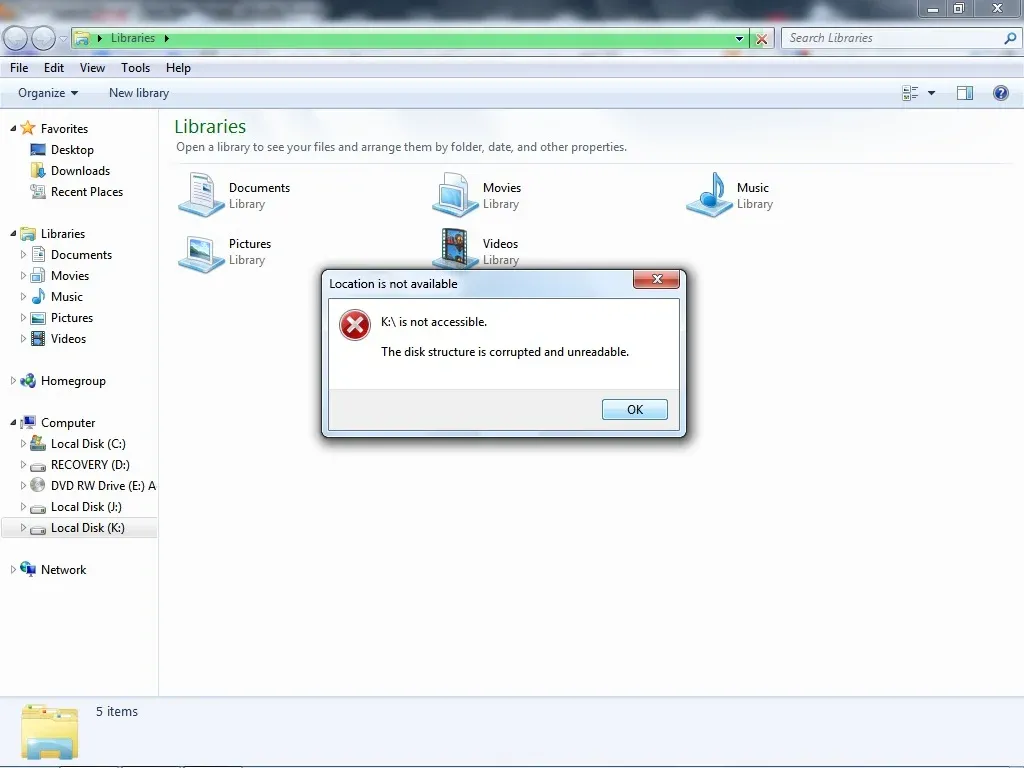
Cause : Data loss can happen due to a variety of reasons, such as accidental deletion, hardware failure, or corruption of files or the hard drive itself. External drives and cloud services are not immune either.
When IT Support is Needed :
Solution :
Error Message : "No boot device found" or "Operating System not found."
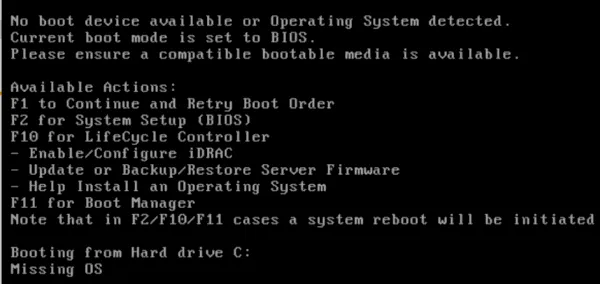
Cause : This error occurs when your computer cannot detect the bootable drive or operating system. This can be caused by a damaged hard drive, a corrupt boot sector, or a misconfigured boot sequence.
When IT Support is Needed :
Solution :
Error Message : "No internet connection," "Limited connectivity," or "DNS server not responding."
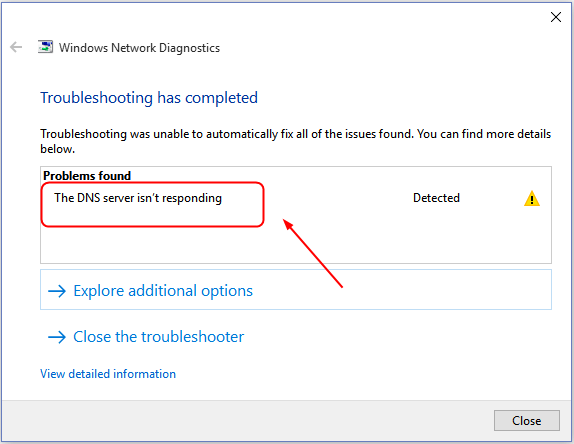
Cause : Network connectivity issues can occur due to faulty network cards, incorrect IP configurations, or problems with the router or modem. These problems can prevent you from accessing the internet or local network resources.
When IT Support is Needed :
Solution :
Error Message : "This program is incompatible with your version of Windows" or "Software cannot be installed."
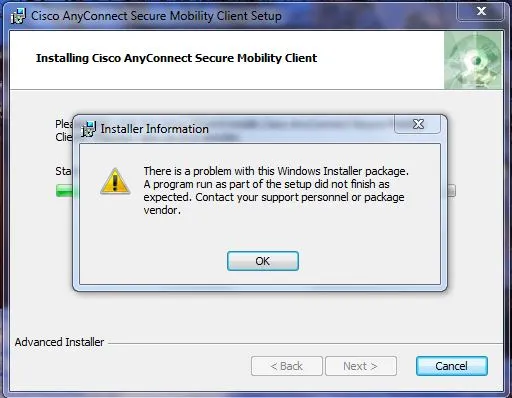
Cause : Software compatibility issues occur when programs are not designed to work with your specific operating system version or hardware configuration.
When IT Support is Needed :
Solution :
Error Message : "Program Not Responding" or "System has stopped working."
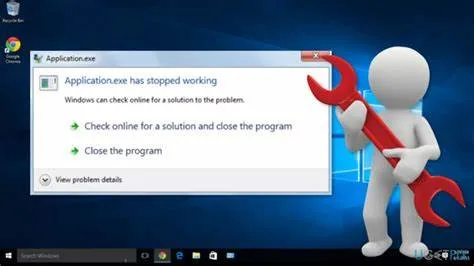
Cause : Frequent system crashes and freezes can be caused by a variety of factors, such as overheating, insufficient RAM, software bugs, or corrupt system files.
When IT Support is Needed :
Solution :
Error Message : "Setup has encountered a problem," "Installation failed."
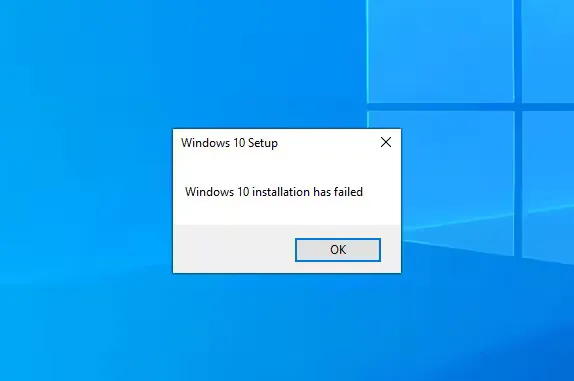
Cause : Software installation errors can occur when files are corrupt or missing, or when there's insufficient system space or resources to complete the installation.
When IT Support is Needed :
Solution :
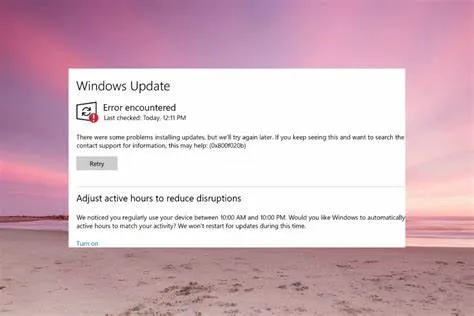
Error Message : "Windows Update failed," "Error code: 0x80070057."
Cause : Sometimes, operating system updates fail to install due to corrupted files, insufficient disk space, or connectivity problems.
When IT Support is Needed :
Solution :
While many PC problem and computer errors can be resolved by users with a little know-how, there are several issues that require professional IT support. Hardware failures, malware infections, and network problems are just a few examples of issues that often need expert intervention. By understanding the types of problems that may require IT assistance, you can make informed decisions about when to seek professional help, ensuring that your computer stays in top condition and your data remains secure.
If you’re facing an issue that you’re unable to resolve, don’t hesitate to reach out to our expert IT team. Whether it’s a small software glitch or a major hardware failure, we’re here to provide you with the professional support you need to get your systems back on track.
Our team at Cloud Zion is always ready to help you solve computer issues or PC problem, whether simple or complex. We offer timely, efficient, and expert IT support to ensure your systems operate at their best.



👋Welcome! I’m your AI assistant.
Need help? Just type your message and I’ll assist you or ask to be connected with a human agent.
Ask me or select an option:
Cloud Zion uses the information you provide to us to contact you about our relevant content, products, and services. Check out our privacy policy here.


